
Smart billing, stronger businessNew to SuvidhaPOS? Explore a free demo ↗
STOCK WITHOUT SECOND-GUESSING

Know what you have.
Know what moves.

Inventory is more than a quantity. Give your team a clearer way to manage purchases, item details, stock adjustments and reports connected to real billing activity.
Practical setupBusiness-first workflows
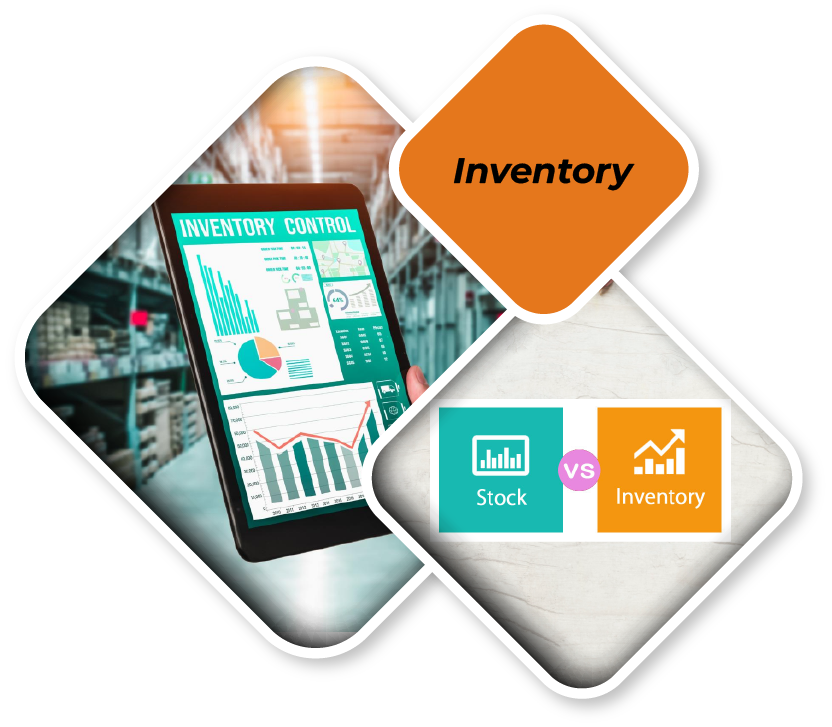
Inventory Management Software illustrationSUVIDHAPOS / INVENTORY MANAGEMENT SOFTWARE
BUILT INTO THE EXPERIENCE

Everyday essentials.
Thoughtfully connected.

Explore the capabilities available for this workflow. Exact scope depends on your edition and configuration.

▦

Current stock

Follow movement and balances through configured reports.

⇄

Purchase entry

Record supplier purchases and inventory updates.

◈

Unit and barcode options

Manage different units and barcode mappings where supported.

▤

Stock correction

Handle permitted corrections with clearer records.

⌁

Low-stock attention

Spot items that need replenishment with relevant reports.

✳

Operational reporting

Review stock, purchase and sales connections.

A BETTER WORKFLOW

Better purchasing starts with better visibility.

Make replenishment decisions with item and purchase information that is structured, accessible and connected to the billing counter.

See this in a demo ↗
SUVIDHAPOS · OPERATIONAL INSIGHT

Designed to make the next decision clearer.

Illustrative graphic · Not real customer data
PRACTICAL BY DESIGN
01Item, brand, category and unit masters
02Purchase entry and Excel-assisted workflows
03Opening stock and corrections
Workflows vary by selected edition.
THE RIGHT DETAILS

Everything starts
with a better setup.

These are the most useful things to review for your business before going live.

  • Item, brand, category and unit masters
  • Purchase entry and Excel-assisted workflows
  • Opening stock and corrections
  • Multi-barcode and batch details where configured
  • Inventory and stock movement reporting
  • Outlet-specific controls where supported
YOUR JOURNEY

A straightforward way
to get started.

01

Set up stock

Create products, quantities, units and supplier details.

02

Track changes

Record purchases, sales and corrections as they happen.

03

Act on reports

Review movement and stock levels before ordering.

GOOD TO KNOW

Frequently asked
questions.

Can I import items from Excel?

Item and relevant purchase import workflows are available with specified templates.

Is stock synchronized across every device by default?

No. Sync depends on the supported app, edition and connection configuration.

Need a more specific answer? Talk to our team ↗

EXPLORE THE ECOSYSTEM

Good workflows work together.

See how billing, inventory, restaurant operations and reporting can complement one another.

View all solutions ↗
↗ Retail POS↗ Restaurant POS↗ Bakery & sweets↗ GST Billing↗ KOT & kitchen↗ QR ordering
NEXT STEP

Make everyday work
feel easier.

Tell us what you are building. We'll help you explore the SuvidhaPOS configuration that fits your business.

PERSONALIZED PRODUCT WALKTHROUGH

Tell us about your business.

Your enquiry is not stored on this website. Choose WhatsApp or your email app to review and send it.
◉ WhatsApp☎✉